> For the complete documentation index, see [llms.txt](https://docs.holograph.xyz/llms.txt). Markdown versions of documentation pages are available by appending `.md` to page URLs; this page is available as [Markdown](https://docs.holograph.xyz/getting-started/connect.md).
# Connect
### Connecting Your Wallet
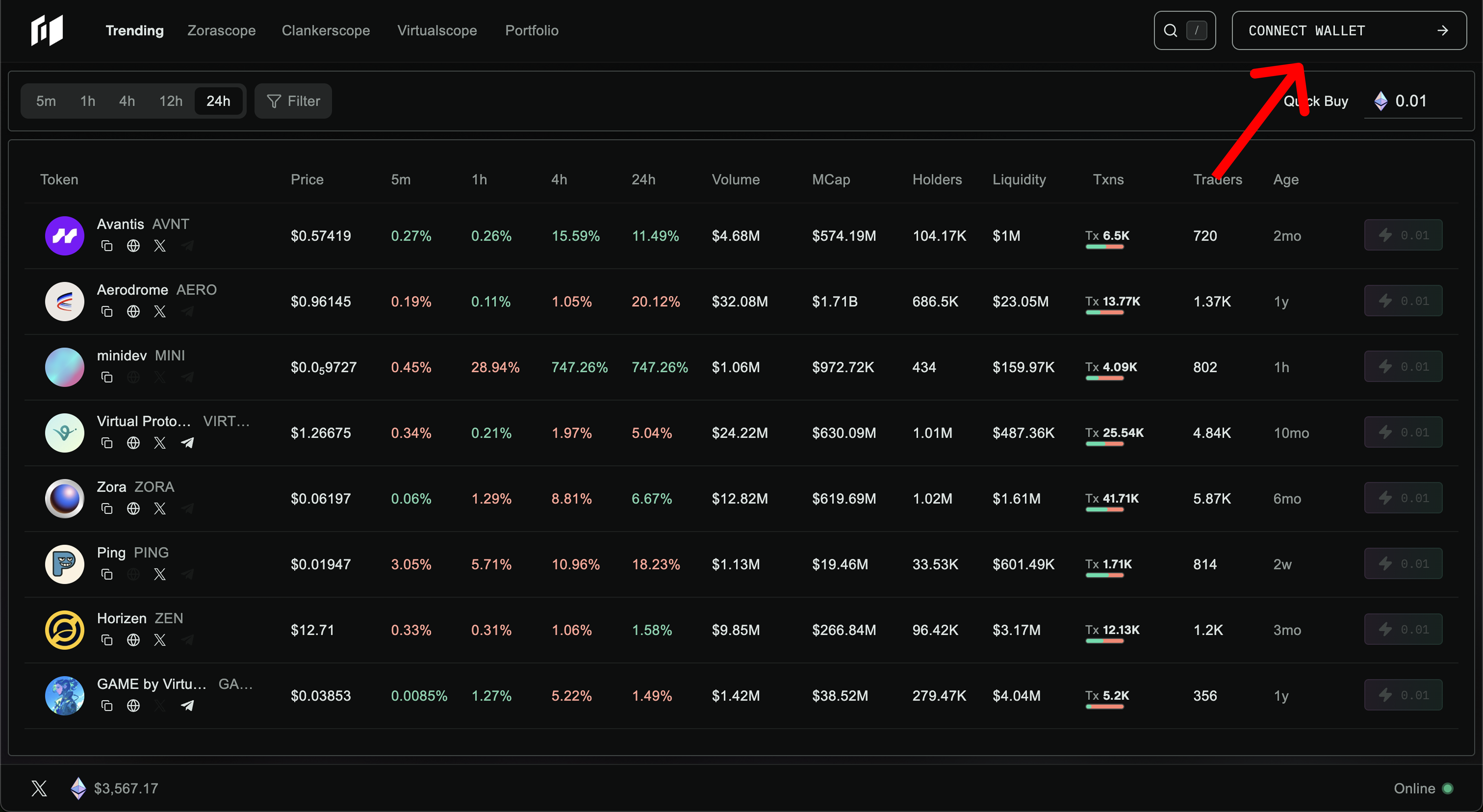
* Go to: [www.holograph.xyz](https://www.holograph.xyz/trending)
* Click `Connect Wallet`
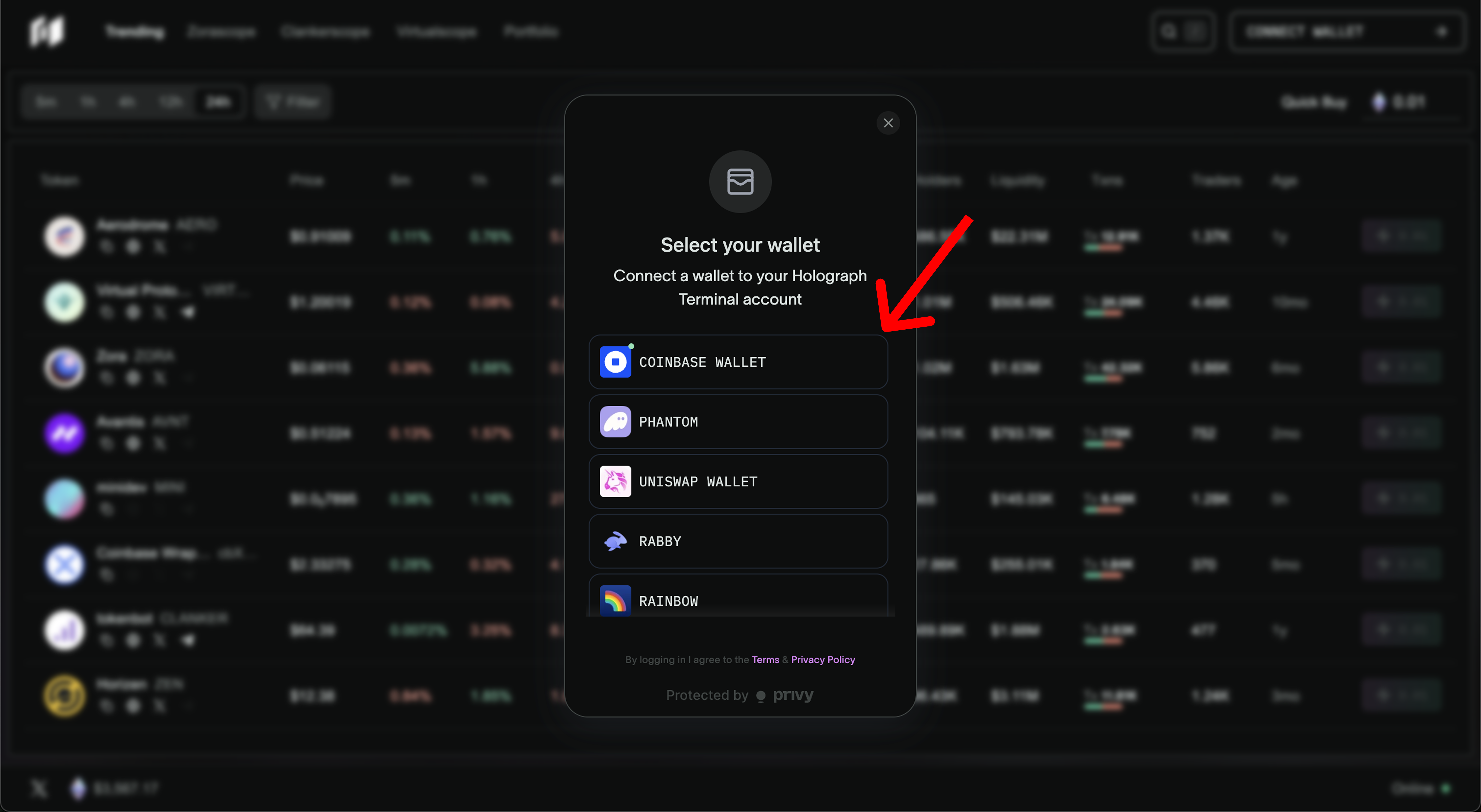
* Select a wallet from the menu. Options include: `Coinbase`, `Phantom`, `Uniswap`, `Rabby`, `Rainbow`, `MetaMask`
* Complete the connection with your wallet
### Next Steps
* Explore Holograph: Take a few minutes to navigate the terminal and get familiar with how trades flow in real time.
* Connect with Traders: Join the community on Telegram to share insights, ask questions, and stay close to the latest updates.
* Make Your First Trade: Start small, test different strategies, and see how every move contributes to the ecosystem.